How Rental Wheelz Works
Documents Needed for Self-Drive Car Rental in Bangalore: Licence and ID Checklist
By Rental Wheelz Editorial Team · Written with AI assistance from Rental Wheelz's published fleet, pricing and policy data · 2026-10-14
To rent a self-drive car from Rental Wheelz you need a valid, non-expired driving licence, one government ID (Aadhaar or Passport), and a live selfie at pickup, followed by a deposit by UPI or card. The licence and ID go over WhatsApp before a slot is confirmed, and the whole verification takes under five minutes.
What documents do you need to rent a car?
| Item | What it is | When |
|---|---|---|
| Driving licence | A clear photo of a valid, non-expired licence | On WhatsApp, before the slot is confirmed |
| Second government ID | Aadhaar or Passport, for address verification | On WhatsApp, before the slot is confirmed |
| Live selfie | Matched against your licence photo, under a minute | At pickup |
| Security deposit | Collected by UPI or card | At pickup, after verification |
That is the full list on our how verification works page. No other document is listed there, so none is assumed here. If the requirement for your case is unclear, ask on WhatsApp before travelling to pickup.
Is a licence from another state valid?
Yes. Any valid Indian driving licence that covers the vehicle class works anywhere in the country, Bengaluru included, and no Karnataka-specific licence is needed. The licence has to be current and non-expired at pickup, and it is verified the same way whichever state issued it.
Check two details on your own card before sending a photo: the expiry date, and whether the licence covers a car (the vehicle class). Those are the two points the check turns on. Questions about foreign licences or international permits are not covered by the pages this guide draws on, so confirm those on WhatsApp.
Why is a second ID needed, and which one works?
A driving licence proves you can drive but does not reliably show where you live, especially if you moved after it was issued. The second ID closes that gap. Aadhaar and Passport are treated equally; either works. It is used for address verification, stored securely and never shared.
The two documents together are the written half of verification. The Aadhaar vs Passport post explains the second-ID step in more detail.
What happens at the live selfie step, and how long does verification take?
At pickup, you take a live selfie that is matched against the licence photo you sent. It takes under a minute and has to be live rather than a photo of a photo, because it confirms that the person collecting the car is the person whose documents were checked on WhatsApp. It is the one step that cannot happen in advance. The live selfie verification post covers the reasoning.
The deposit comes after verification, not before. It starts at ₹8,000 and varies by car, with the exact figure on each car page, and is refunded within 3 business days of return.
Under five minutes in total. The documents sent over WhatsApp are looked at before your slot is confirmed, and the live selfie at pickup takes under a minute. The same thread is used to settle the pickup spot, so keep it open. A document that needs re-sending is what slows a slot. The WhatsApp verification post walks through the order of steps.
What should you send on WhatsApp?
- A clear photo of the front of your driving licence, showing the photo, name, number and expiry date.
- A clear photo of your Aadhaar or Passport (one is enough).
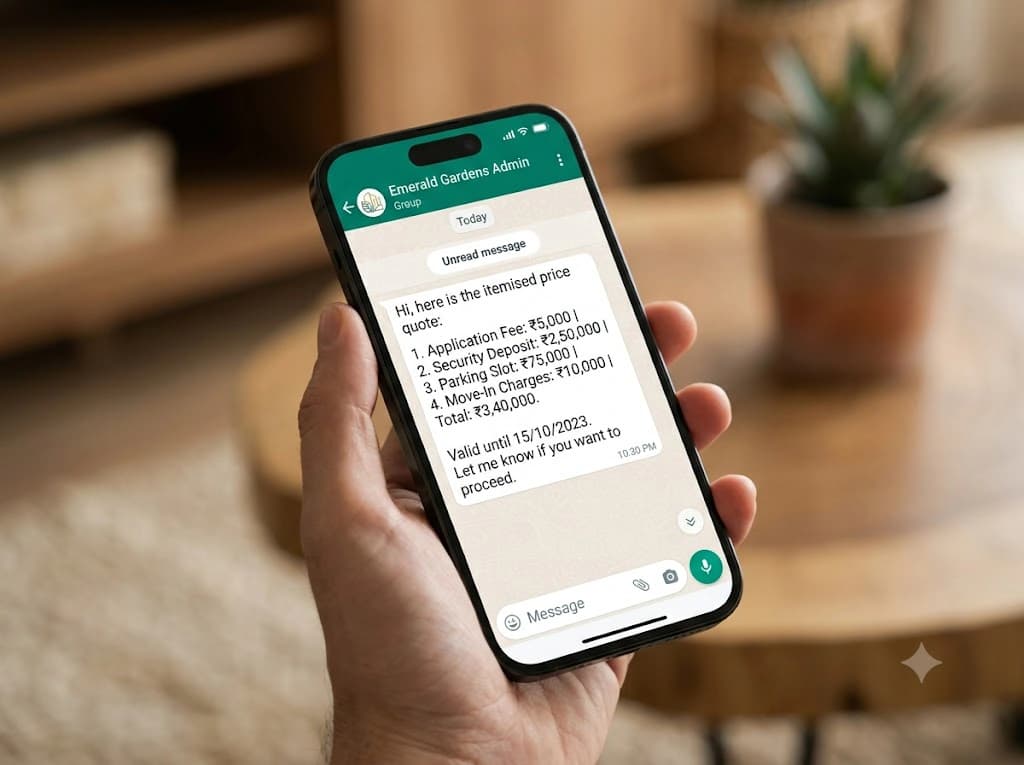
- Your pickup dates, your locality and the car you want, so the quote can be itemised.
- The name and number you used on the enquiry form, if you started there.
Send photos taken flat, in good light, with all four edges visible. Do not crop out the expiry date or the vehicle classes.
Documents belong to the person who will drive. The pages used for this guide do not describe adding a second driver, so if someone else may also take the wheel, ask on WhatsApp whether that person needs to be checked too, before the slot is confirmed rather than at pickup. The itemised quote you receive afterwards also lists the deposit, fuel policy and damage figures, so read it alongside the documents.
What can make a check fail or stall?
Our pages do not publish a list of rejection reasons, so the points below are general and hedged, based on what the process checks:
- Expired or soon-to-expire licence. The licence must be non-expired at pickup.
- A licence that does not cover a car. The vehicle class matters, since the check exists to catch exactly this before the trip.
- Blurred, cropped or glare-hit photos. These generally mean a re-send, which slows the slot.
- A selfie that does not match. The person collecting the car must be the person on the documents.
- Verification not done in time for the slot. See the cancellation policy for the tiers if plans have to change: full refund more than 24 hours before pickup, 50% between 6 and 24 hours, none inside 6 hours.
If a check does not go through, ask on WhatsApp what is missing. This guide does not state a minimum age or other conditions because the verification page does not; confirm any such question before booking.
Pre-pickup checklist
- Licence is valid today and covers a car.
- Licence photo is sharp, uncropped and shows the expiry date.
- Aadhaar or Passport photo is sent on the same WhatsApp thread.
- The pickup spot, whether a meeting point or delivery to your address, is confirmed in writing; locality pages such as Koramangala explain how it works.
- UPI or card is ready for the deposit.
- The person who will drive is the person who will take the selfie.
Once these are done, the next stage is the handover and the photographs of the car; the first-time renter guide covers it end to end.
Bengaluru specific
Bengaluru's vehicle registration codes follow its transport offices: KA-01 is Koramangala, KA-03 is Indiranagar and KA-51 is Electronic City.